Device Setup and Barriers: The Mobile Pentesting Lab Guide.
Half the time lost on a mobile assessment goes on the lab, not the app. This guide sets up Android and iOS test devices step by step, and names the barrier you will hit at each one before you hit it.
Mobile Security
Lab Setup
Pages:
74
Format:
PDF
Level:
Beginner to Intermediate
Updated:
Oct 2026

Key Takeaways
- 8 routes to a working Android test device: Genymotion, a ready-to-use image, Genymotion QEMU hypervisor mode, the Android Studio emulator, NoxPlayer, Ninjitsu, a rooted physical device, and Mobexler.
- Magisk installation on each of them, including physical devices, plus Drozer via Mobexler, one-click proxy, and Burp Suite interception that actually intercepts.
- iOS from scratch: jailbreak types, which technique to pick and why, SSH access, and adding Cydia sources.
- Tooling by host OS: Frida, Ghidra, Objection, Keychain Dumper, Passionfruit, SQLite Browser and Realm Browser on macOS, with the Windows equivalents alongside.
What's inside
Mobile pentesting guides usually assume the device is already set up. In practice that assumption is where the day goes: a hypervisor conflict, a Magisk module that will not load, a proxy that will not intercept because certificate handling changed two Android versions ago.
This guide is the setup itself, written as steps with the troubleshooting attached to each one. It covers emulators and physical devices on both platforms and stops at every known barrier with what causes it and what to do about it.
What the 74 pages cover
01
Setting up the Android device
p. 2
Genymotion, ready-to-use images, QEMU hypervisor mode, Android Studio, NoxPlayer and Ninjitsu.
02
Rooting a physical Android device, and Mobexler
p. 19
When an emulator will not do, and how to get to a rooted physical device cleanly.
03
Tool setup: Magisk, Drozer, proxy and Burp Suite
p. 26
Magisk across Genymotion, AVD and physical devices, then interception that holds.
04
Useful Magisk modules and tools
p. 47
The modules worth installing, and what each one removes from your workflow.
05
Setting up the iOS device: initial steps and jailbreak
p. 49
Jailbreak types compared, and which technique to use for assessment work.
06
Installing tools on iOS, macOS and Windows
p. 53
SSH, Cydia sources, Frida, Ghidra, Objection, Keychain Dumper and Passionfruit.
07
Useful tweaks and tools for iOS
p. 63
The device-side tweaks that make an iOS assessment faster.
Look inside
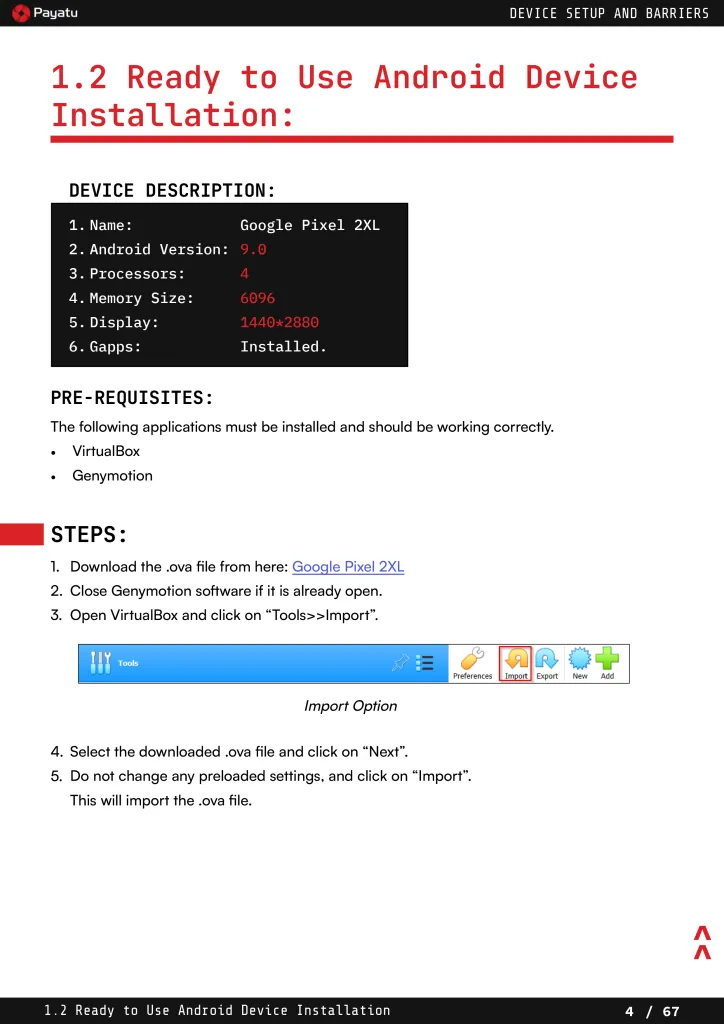
A sample spread — the level of detail in every chapter.
Written by Payatu's mobile security team





Build the lab once, then stop rebuilding it
The full 74-page PDF, with every setup path, the troubleshooting notes, and the tool installs for macOS, Windows and iOS in one place.