
Harnessing GitHub Runners for Cost-Free Computing



.png)


Key Takeaways
- GitHub-hosted runners are temporary Windows, Linux or macOS VMs that run GitHub Actions workflows.
- LinPEAS showed Linux runners are Azure VMs with full sudo rights and SSH listening.
- No sign of AV or EDR monitoring was found on the Linux runners.
- Runners can run nuclei scans and upload the results as workflow artifacts.
- Semgrep SAST scans on Jenkins plugins ran on runners within the 256 parallel job limit.
- Actions are free on public repos, while private repos get plan-based free minutes.
What are GitHub Runners?
GitHub offers hosted virtual machines to run workflows. The virtual machine contains an environment of tools, packages, and settings available for GitHub Actions to use. – GitHub Docs.
GitHub Workflows are used by developers to automate a vast majority of their tasks, like running tests, building their apps, creating releases, and many others. All you need to do is create a workflow file, and GitHub will parse and run it as an action.
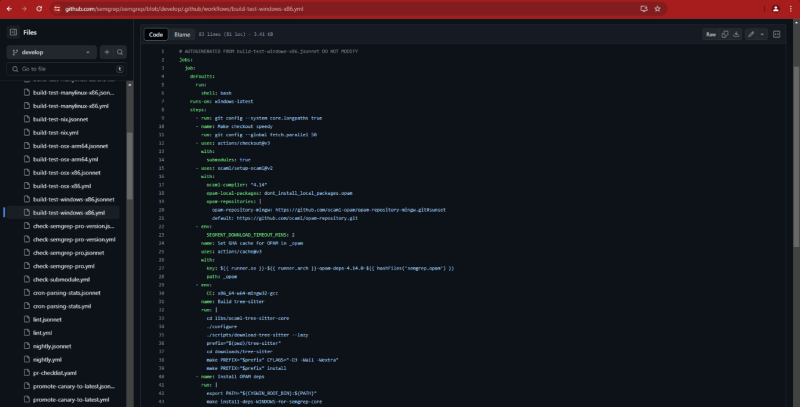
Github-hosted runners are available for Windows, Ubuntu Linux and MacOS. Using the runs-on keyword, you can specify which runner to use or even specify the self-hosted runner.
Testing the waters
There is no limit or restriction on what can be run on a GitHub runner. These are temporary, sandboxed instances that will die once the job is completed. We ran LinPEAS on one instance, which shows that there likely isn’t any kind of AV or EDR monitoring present in these instances.
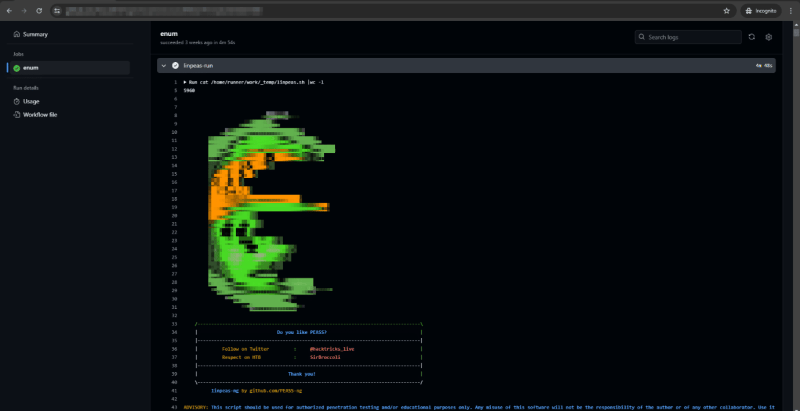
Running LinPEAS on a GitHub-Hosted runner.
A few interesting results from LinPEAS:
- You are running as a user called runner
- The instance is an Azure VM
- SSH is open and listening on all interfaces
- You have full sudo privileges
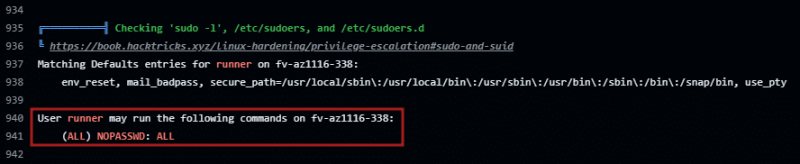
So, GitHub provides you an Azure VM with full sudo rights. There is no sign of any kind of AV or EDR (at least on Linux runners). It is evident that these runners are meant to be use-and-throw instances.
Unintended Use Cases
Scanning targets with nuclei
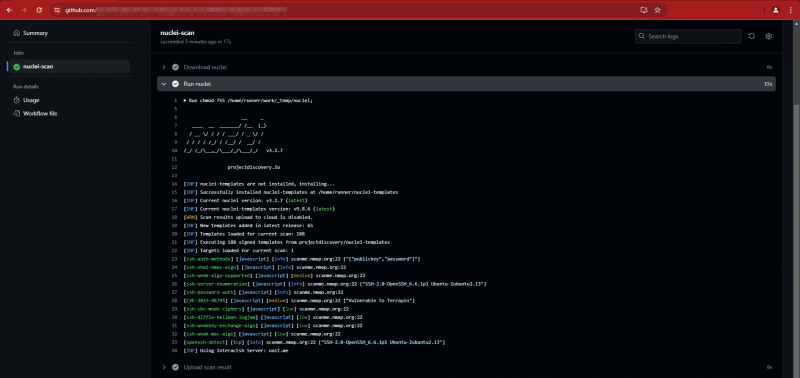
You might want to avoid doing this. We did this purely for educational purposes and to satisfy our curiosity. We take no responsibility if you use this for any illegal activities. That being said, you can run nuclei scans directly via GitHub Actions.
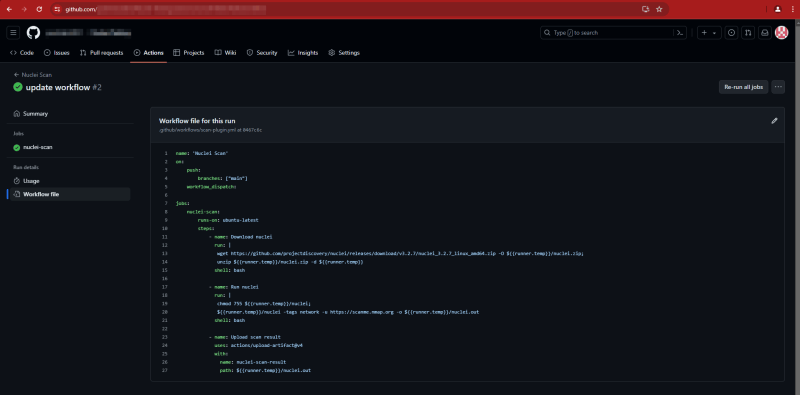
You can check the results live as the workflow runs in the action logs.
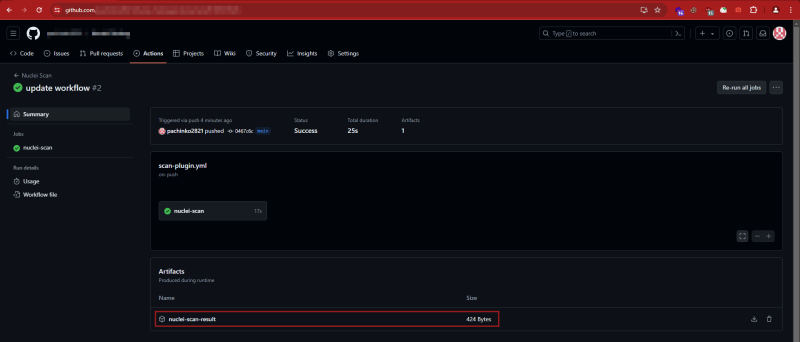
Once complete, the scan results are uploaded as an artifact. You can access them once the job is completed.
Running SAST scans on third-party code
We ran scans on Jenkins plugins with Semgrep on GitHub Runners. Since there is a limit of 256 parallel jobs, we wrote our action in a way that it picks 10 random plugins and runs a scan on them.
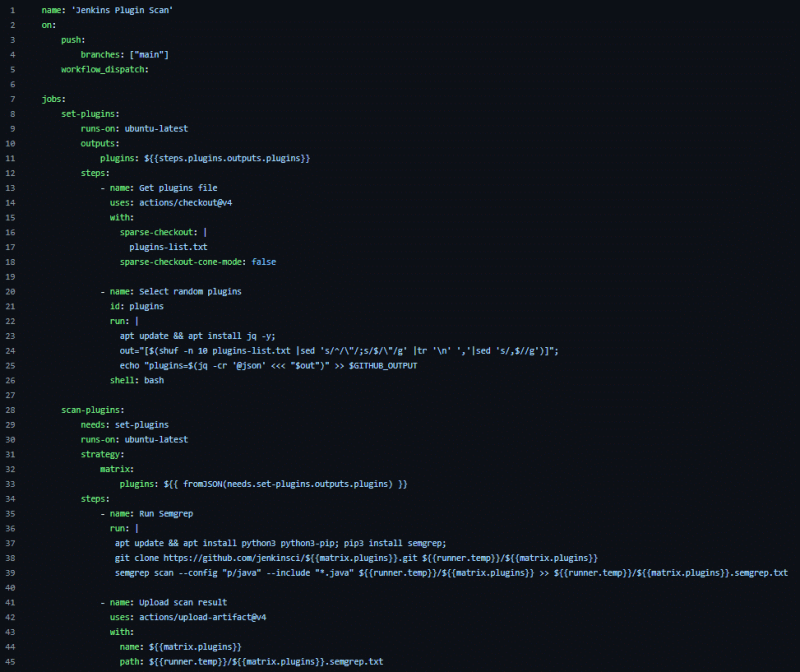
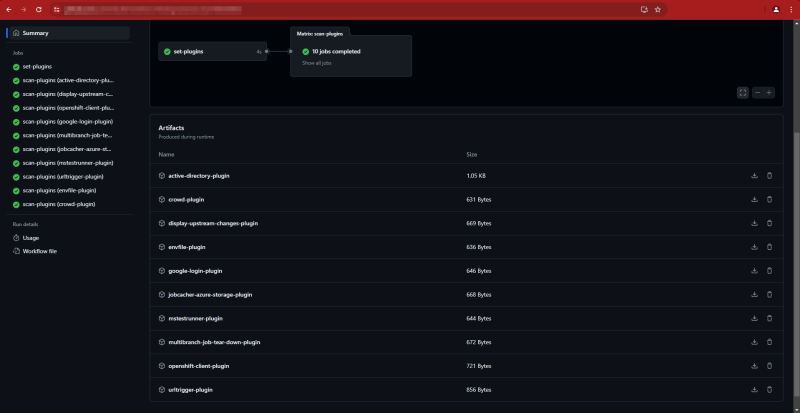
Running SAST scans on Jenkins Plugins GitHub Actions are freely available for standard GitHub-hosted runners in public repositories, as well as for self-hosted runners. For private repositories, GitHub provides each account with a set number of free minutes and storage, which varies depending on the account’s plan. Usage exceeding these limits is regulated by spending controls. It’s worth noting that these resources can sometimes be used in ways that may not align with GitHub’s original intentions.


Keep Reading
.png)




We break browsers before someone else does
This is the default text value

